Keep administrator sessions separate
Device-only Keychain storage and an ephemeral URLSession reduce retained session data. Relaunching the app requires fresh authorized reads instead of restoring a persistent offline management cache.
Native admin app · iPhone & iPad
The right tools for the people looking after a community.
A native iPhone and iPad app for sign-up approvals, attendance, and daily operations. Desk work belongs to the admin web and on-site work to this app, with an administrator-only session, biometric sign-in, and server-defined action permissions.
Public demo
Explore the app’s main screens with a public demo account.
You can also select and copy the text directly from either field.
This demo uses shared sample data. Other visitors may change it, and changes may remain. Please do not enter personal information or private prayer requests.
Development and review captures with synthetic demo data. Dates are shown below; later App Store builds may look different.
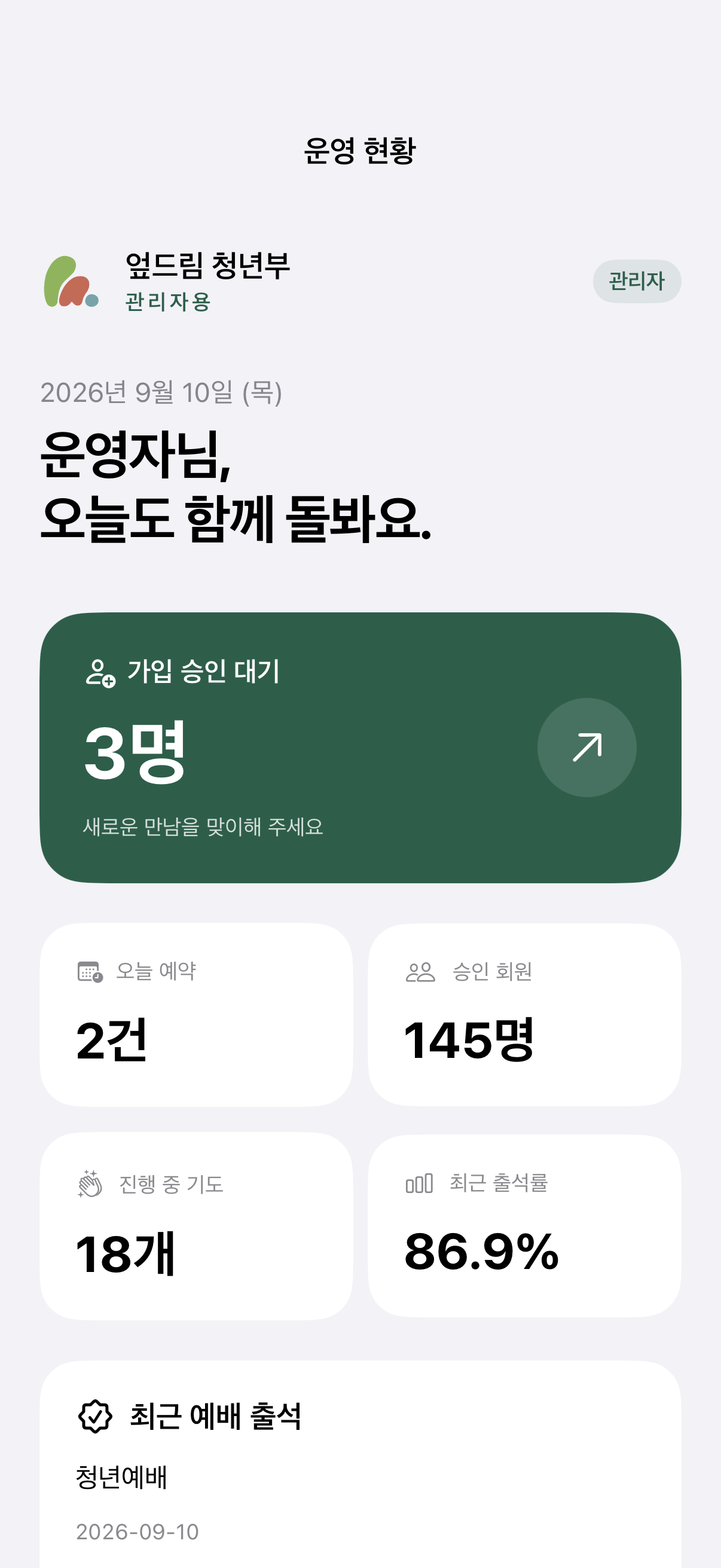
Outstanding approvals, attendance summaries, and shortcuts provide entry points into daily work. All displayed figures are test fixtures.
Captured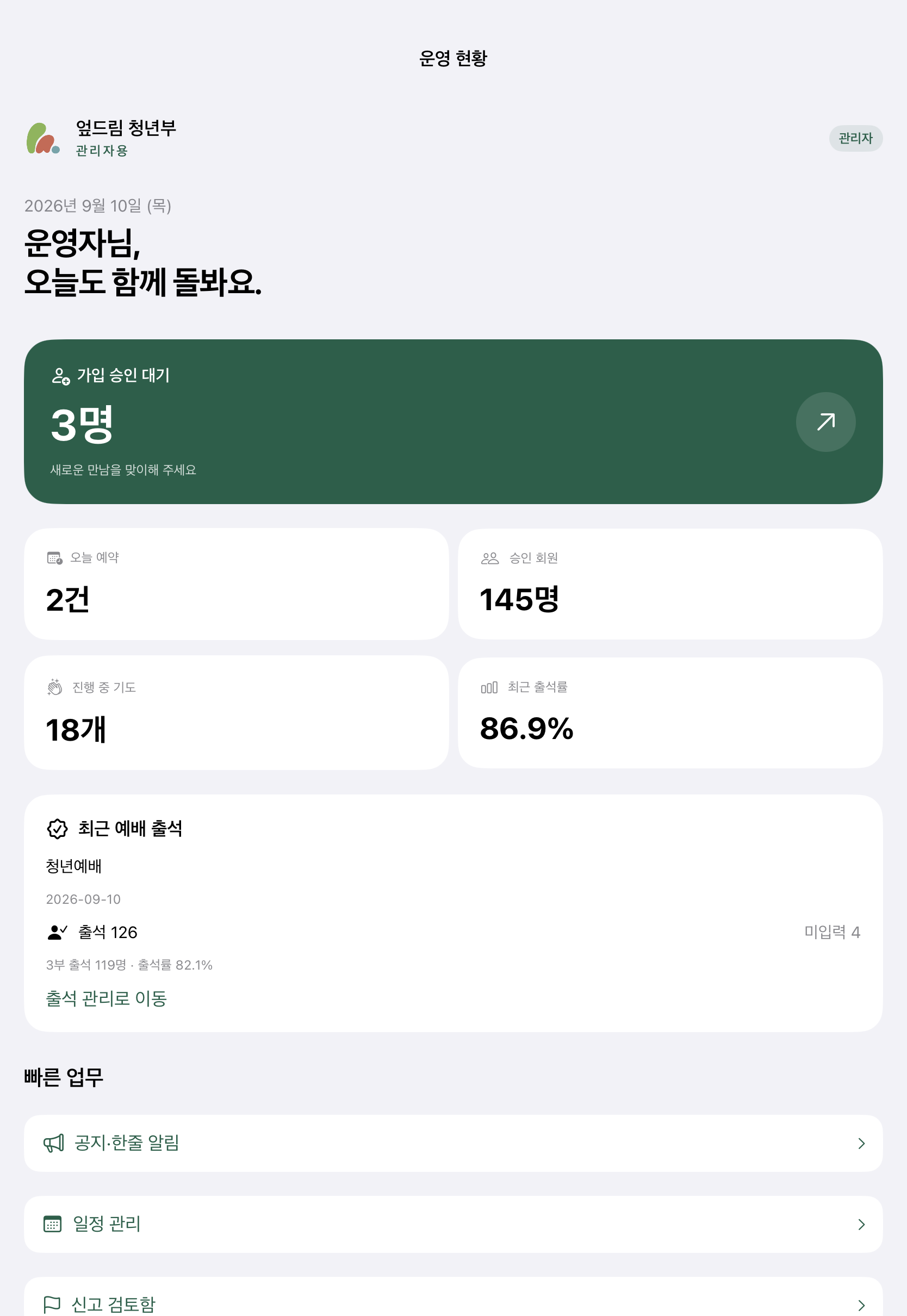
The same operational information uses the larger display. Counts illustrate the interface and are not service usage metrics.
CapturedEngineering details reflect source reviewed on September 17, 2026. App Store releases may contain an earlier subset.
The interface reflects server-provided capabilities. The API checks authorization again when reading or changing records.
Device-only Keychain storage and an ephemeral URLSession reduce retained session data. Relaunching the app requires fresh authorized reads instead of restoring a persistent offline management cache.
Requests capture a session generation. A delayed response is discarded when it belongs to an earlier session or permission scope.
Unmarked records remain distinct from absences. Attendance analysis requires enough observation history before classifying a change, while conflicting edits have an explicit outcome.
UP-Dream Admin
I used AI assistance for the SwiftUI frontend, including screen implementation and presentation. I defined the operational workflows and interface requirements.
I edit and review account and permission code myself rather than accepting AI output as-is. The account-merge case on the UP-Dream page explains why.
The technical overview connects native session handling, API authorization, and attendance behavior to selected XCTest and policy checks. It distinguishes executed checks from source review.